Xbox Backward Compatibility: Four Generations on One Console
How Xbox Series X|S plays Xbox One, Xbox 360 and original Xbox games, what FPS Boost and Auto HDR do, why additions ended in 2021, and disc vs digital rules.
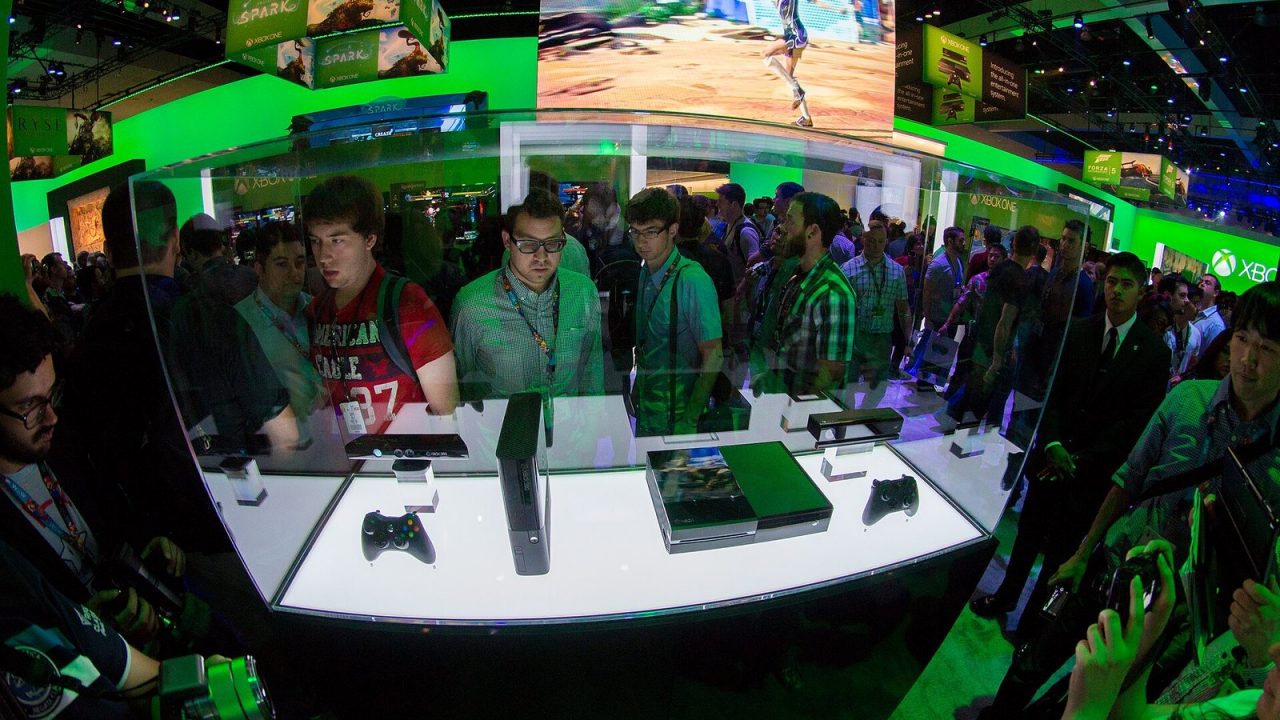
An Xbox Series X can run games from every Xbox generation: current Series X|S titles, nearly the whole Xbox One library, and a curated selection of Xbox 360 and original Xbox games going back to 2001. Microsoft built that into the platform deliberately, and many older games run better on the new hardware than they ever did on the original consoles. There are limits, though. Only some older titles made the list, the program stopped adding games in 2021, and discs and digital copies behave a little differently. This guide explains how it all works.
How Xbox Backward Compatibility Began
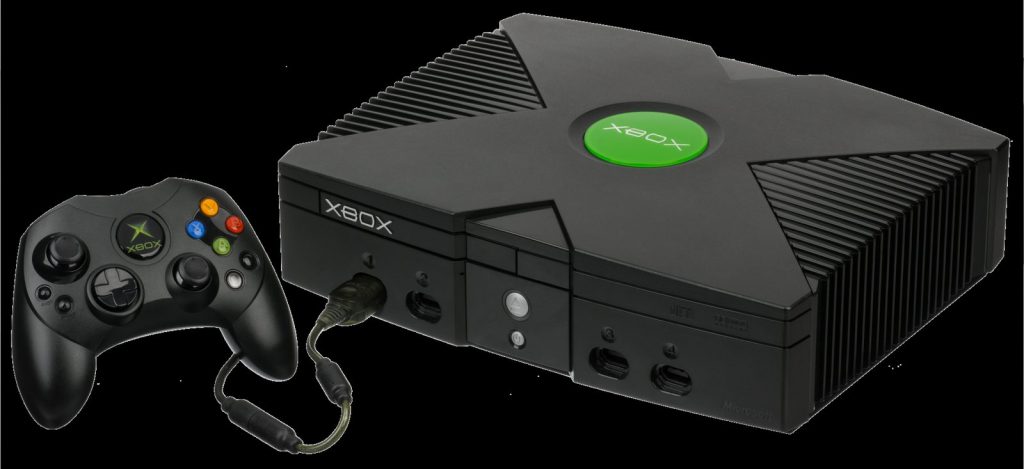
The Xbox One was not designed to play older games. Microsoft added Xbox 360 compatibility through a software update in November 2015, using an emulator that recreates the Xbox 360 environment. Original Xbox games followed in 2017. Each game was tested and approved individually, with publishers’ permission, which is why the older-generation library is curated rather than complete.
When the Xbox Series X|S launched in November 2020, it carried the entire program forward and added new enhancements. Our history of Xbox console generations explains how backward compatibility became one of the brand’s defining features after a difficult start to the Xbox One era.
What Plays on Xbox Series X|S
Xbox One games
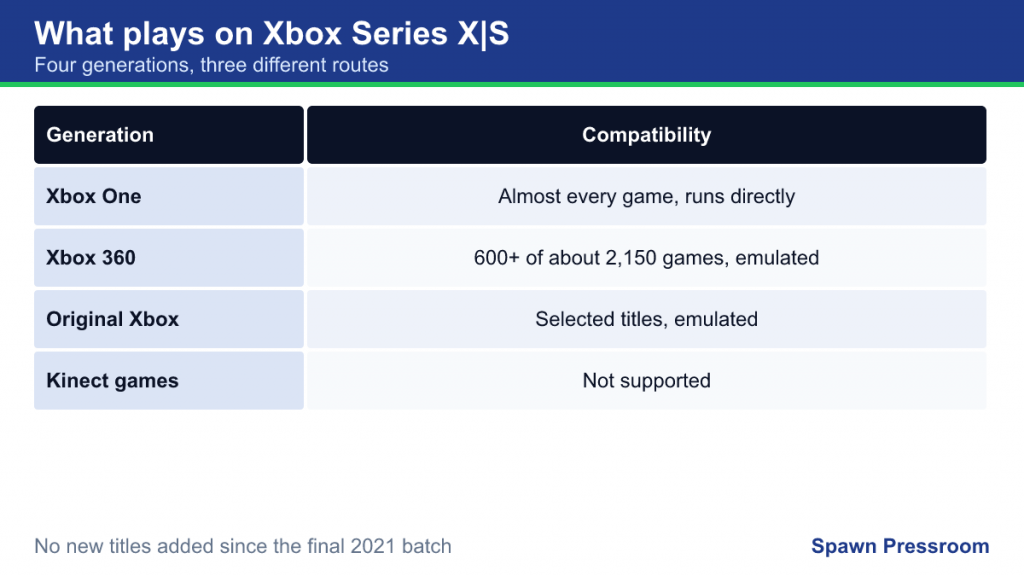
Almost every Xbox One game runs on Series X|S. Xbox One games are not emulated in the same way as older titles; they run directly thanks to the shared architecture, typically with faster loading and steadier performance.
Xbox 360 games
A selection of Xbox 360 titles is compatible, running through the emulator. Wikipedia’s maintained list counts more than 600 compatible Xbox 360 games out of the roughly 2,150 released for the console. That includes many of the system’s best-known games, but plenty are missing because of licensing issues, technical obstacles or required peripherals.
Original Xbox games
A smaller set of original Xbox titles is playable. Microsoft added more than 20 of them in its final 2021 batch alone. Original Xbox games run at boosted resolutions on newer hardware, but their original Xbox Live online features cannot return, as that service closed long ago.
What does not work
- Kinect games: games that require Kinect are not supported on Series X|S, and the console has no Kinect port.
- Peripheral-dependent games, such as those needing special instrument controllers, are largely absent.
- Titles that never made the list: if a game is not on Microsoft’s compatible list, there is no way to play it on modern Xbox hardware.
Enhancements: Why Old Games Often Run Better
Backward compatible games are not just playable; many are improved without any work from the original developer.
Faster loading and steadier frame rates
Every compatible game benefits from the Series X|S processor and SSD. Games that struggled to hold their frame rate on original hardware often run at a locked target, and loading screens are shorter.
Resolution boosts
Microsoft enhanced selected Xbox 360 and original Xbox titles to render at higher resolutions. According to Xbox Wire, original Xbox games receive a 4x resolution boost on Xbox Series X and Xbox One X, 3x on Series S and 2x on Xbox One S and the original Xbox One. Xbox One X Enhanced titles keep their enhanced modes on Series X.
Auto HDR
Auto HDR adds high dynamic range to games originally made in standard range, using a machine-learning model to expand brightness and color. It works on Series X|S with an HDR display. It suits most games, but if a title looks overly bright, you can turn Auto HDR off for that game in its compatibility options.
FPS Boost
FPS Boost, introduced in 2021, raises the frame rate of selected older games, in many cases doubling it, for example from 30 to 60 fps or 60 to 120 fps. Microsoft enabled it title by title because raising frame rates can break game logic in some engines. Some games trade resolution for frame rate when FPS Boost is on, which is why it can be toggled. To check, highlight the game, press the Menu button, choose Manage game and add-ons and look for Compatibility options.
Series X vs Series S: One Important Difference
For Xbox One titles, the Series S runs the Xbox One S version, not the Xbox One X Enhanced version, because it has less memory than the One X. Microsoft confirmed this before launch. Series S still adds faster loading, better texture filtering, steadier frame rates and Auto HDR. For original Xbox and Xbox 360 titles enhanced through the program, Series S applies its own resolution boosts. Our Series X vs Series S comparison covers the other differences between the two consoles.
Discs vs Digital
Backward compatible games can be played from disc or digitally, with a few rules:
- Digital purchases of compatible games appear in your library and can be downloaded directly. Many Xbox 360 games bought digitally on an Xbox 360 are already in your account.
- Discs act as a license key. On a disc-equipped Series X, insert a compatible Xbox One, Xbox 360 or original Xbox disc and the console downloads a version prepared for modern hardware. The disc must stay in the drive to play.
- Series S and the all-digital Series X cannot read discs, so on those consoles you can only play backward compatible games you own digitally or get through Game Pass.
- Some Xbox 360 games were included in past Games with Gold offers or in Game Pass, which can be a source of older titles in your digital library.
The 2021 End of New Additions
On November 15, 2021, for the original Xbox’s 20th anniversary, Microsoft added more than 70 Xbox 360 and original Xbox games and described it as the “latest and final addition” to the program. The program lead explained that Microsoft had reached the limit of its ability to bring older games to the catalog because of licensing, legal and technical constraints.
That means:
- The list of compatible Xbox 360 and original Xbox games is effectively fixed as of late 2021.
- Existing compatible games remain playable.
- FPS Boost and Auto HDR improvements were applied to many titles along the way; that same anniversary update enabled FPS Boost on 37 more games.
- Xbox One compatibility is unaffected, since it is built into the Series X|S architecture.
Saves, Achievements and Online Play
- Achievements earned in backward compatible Xbox 360 games count toward your Gamerscore exactly as they did on the original console.
- Xbox 360 cloud saves can carry over when the save was stored in Xbox 360 cloud storage, letting you continue progress from an old console.
- Online multiplayer in compatible Xbox 360 games works where the publisher’s servers still run, and players on Xbox 360 hardware can generally play with those on newer consoles.
- Original Xbox games have no online play, but local and system-link multiplayer may still work.
Storage and Accessories for Older Games
Where to install them
Backward compatible games do not need the Series X|S’s fast internal SSD. Xbox One, Xbox 360 and original Xbox titles can be installed on and played directly from an external USB 3.1 drive. A sensible arrangement on a console with limited space is to keep Series X|S games on internal storage or an expansion card and put your older library on a USB drive. Loading will be slower than from the internal SSD but generally faster than on the original hardware.
Controllers and headsets
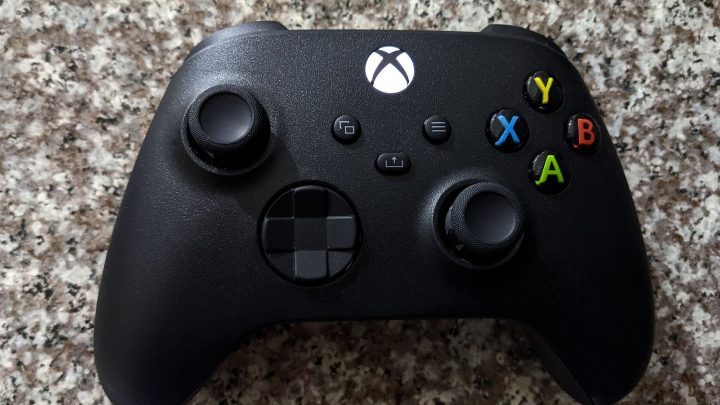
Xbox One controllers, including the Elite controllers, work on Series X|S, so you can play older games with the pads you already own. Xbox 360 controllers, however, do not connect to Xbox One or Series X|S consoles; old games are played with modern controllers, which map the original buttons automatically. Many Xbox One headsets and accessories also carry over, but check compatibility for specialist devices such as racing wheels or arcade sticks with the manufacturer.
How to Check Whether a Game Is Compatible
- Search for the game in the Microsoft Store on your console or on Xbox.com. Compatible older games are listed with the consoles they support.
- Check Microsoft’s backward compatibility page on Xbox.com, which lists compatible titles and can filter by features such as FPS Boost and Auto HDR.
- For discs, simply insert the disc; if the game is compatible, the console will prompt a download.
How Xbox Compares With PS5
Xbox’s reach is broader: four generations can run on one Series X, including discs from 2001. PlayStation takes a different approach, with strong PS4 compatibility but older generations offered only through its subscription catalog. If you own both platforms, our PS5 backward compatibility guide explains Sony’s rules in detail.
Common Mistakes
- Assuming every Xbox 360 game works. Only the curated list does, and it is no longer growing.
- Buying an old disc for a Series S. The Series S has no drive; look for digital versions instead.
- Leaving FPS Boost on when a game behaves oddly. If physics, animation or menus act strangely, try turning it off.
- Expecting Kinect titles to run. Kinect games are not part of Series X|S compatibility.
- Selling old consoles before checking saves. If an Xbox 360 save was only stored locally, move it to Xbox 360 cloud storage on the old console first, or it will not be available on newer hardware.