The PS5 Detachable Disc Drive: How It Works and Who Needs It
How the detachable PS5 disc drive works: which consoles it fits, the online pairing step, how to attach it, what it plays and who actually needs one.
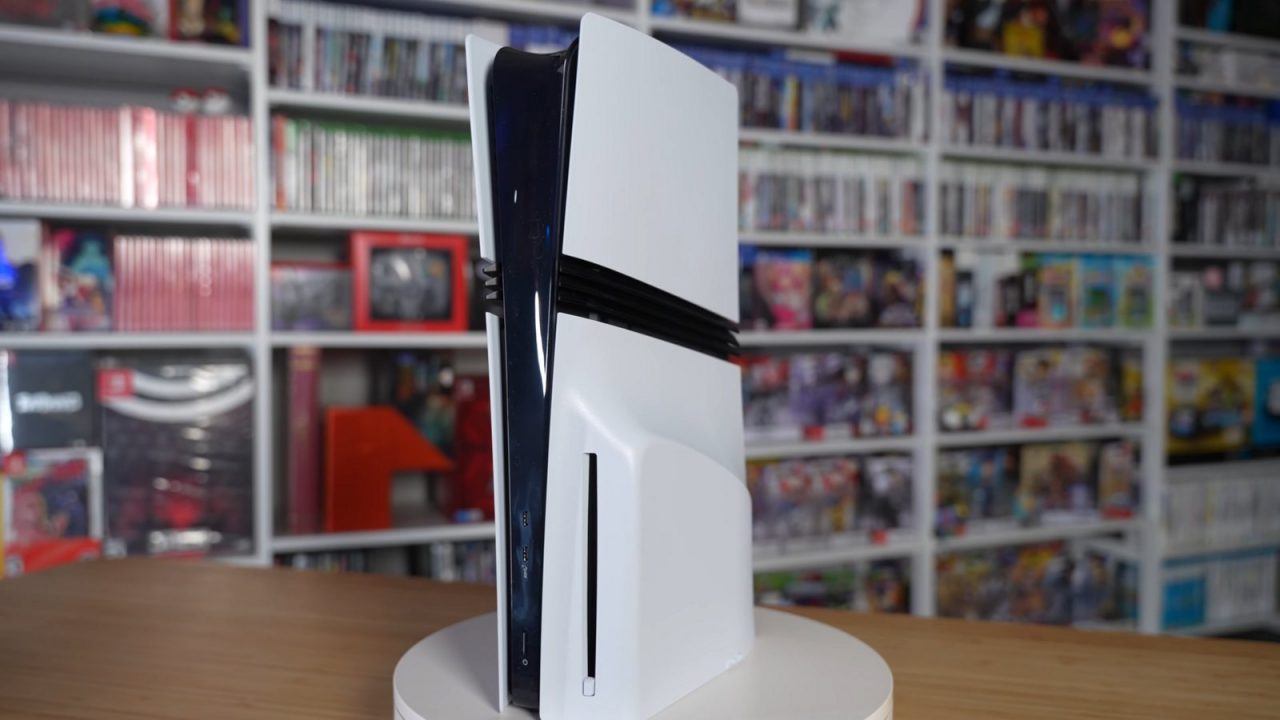
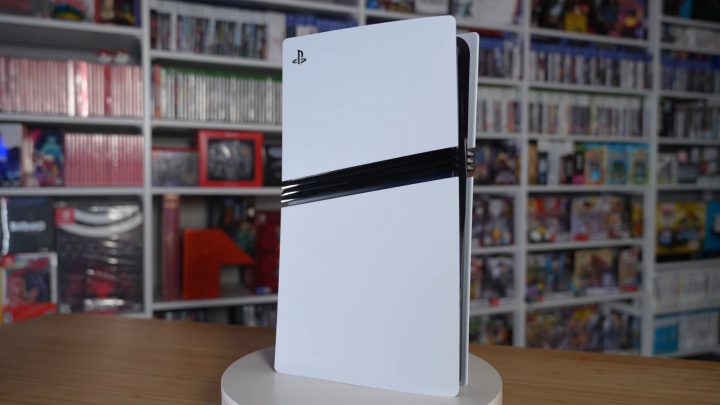
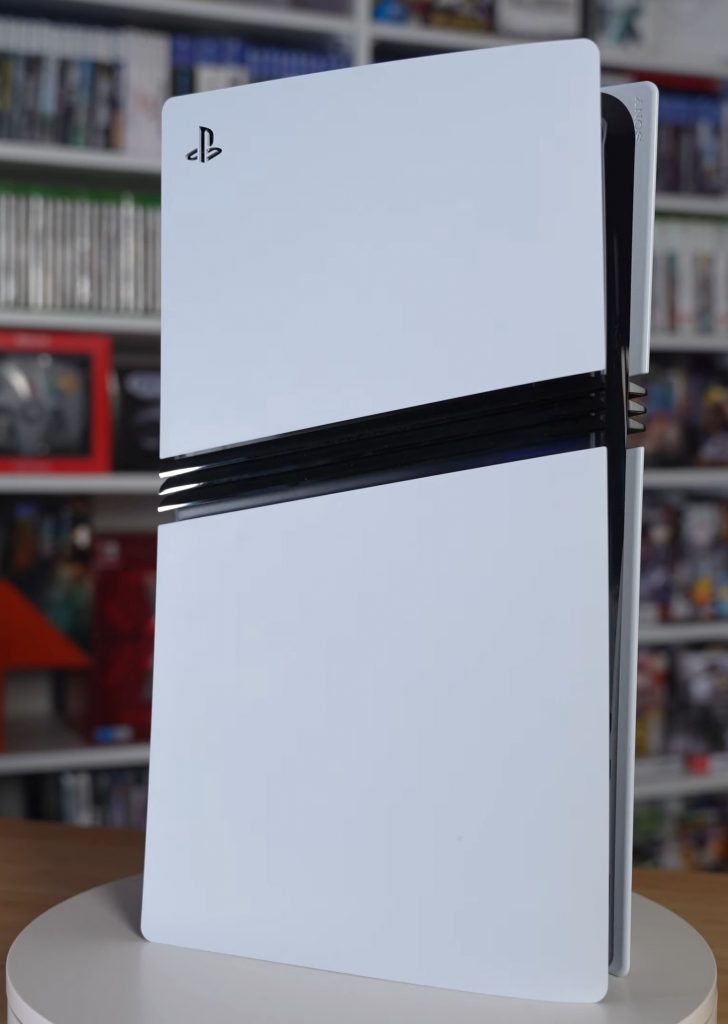
When Sony redesigned the PS5 in 2023, it changed one of the most basic things about a console: whether it has a disc drive. On the original 2020 PS5, the choice was permanent. You bought the standard model with a built-in drive or the Digital Edition without one. On the slimmer models that followed, and on the PS5 Pro, the drive became a separate module that clips onto the console. Digital owners can add one later, and disc owners can, in principle, remove it.
That flexibility raises practical questions. Which consoles does the drive fit? Why does it need the internet? What does it play? And do you actually need one? This guide covers all of it. If you are not sure which PS5 model you have, start with our guide to every PS5 model, since compatibility depends entirely on the model group.
Which consoles the disc drive works with
The detachable drive works only with the newer PS5 hardware. Sony’s support page says it is compatible with PS5 consoles in the CFI-2000 and CFI-7000 model groups. In practice that means:
| Console | Disc drive situation |
|---|---|
| Original PS5 with disc drive (CFI-1000/1100/1200) | Built-in drive; the detachable drive is not compatible |
| Original PS5 Digital Edition (CFI-1000/1100/1200) | No drive and cannot add one |
| Slimmer PS5 with disc drive (CFI-2000 group) | Detachable drive included and attached |
| Slimmer PS5 Digital Edition (CFI-2000 group, including the CFI-2100 revision) | No drive included; can add the separately sold drive |
| PS5 Pro (CFI-7000 group) | No drive included; can add the separately sold drive |
Sony’s store listing for the drive names it as being for PS5 Digital Edition consoles in the CFI-2000 and CFI-2100 slim model groups and for PS5 Pro consoles. The model number is printed on the console’s label and shown in the system information menu.
A note on storage: some regions received a revised Digital Edition with 825GB of internal storage instead of 1TB starting in late 2025. That revision is still a slim Digital Edition from the newer model group, so it accepts the drive like other slim Digital models.
The online pairing requirement
This is the part that causes the most confusion. Sony states that an internet connection is required to pair the disc drive and the PS5 console during setup. When you attach a drive to a console for the first time, the console needs to go online to complete that pairing before the drive can be used.
Some practical consequences:
- Plan to be online when you first attach the drive. If you buy a drive for a Digital Edition or a PS5 Pro, set it up somewhere with a working connection.
- Treat pairing as tied to a console. Sony’s wording ties pairing to setup. If you move a drive to a different console, assume that console will also need to be online to pair it.
- Normal disc play does not depend on the store. Once a drive is paired and a game is installed, the drive works like a built-in one. Games may still want updates or online features, as they always have.
Sony has not published a detailed technical reason for the requirement. The practical takeaway is simple: do the initial pairing while online, and keep your console’s system software up to date.
Attaching and removing the drive
Attaching the drive takes a few minutes and needs no tools. Sony’s steps are:
- Turn off the console fully from the control center (Power > Turn Off PS5) and wait for the power indicator to go out.
- Unplug the power cord and other cables and let the console cool.
- Place the console upside down on a soft cloth with the front facing you, and remove the short horizontal stand feet.
- Lift off the circular cover to release its clips.
- Line up the drive’s clips with the two holes marked with an upside-down triangle and press until it clicks.
- Attach the circular cover and the longer stand feet supplied with the drive.
- Reconnect the cables and turn the console on, then complete pairing while online.
Keep the short feet and the original cover. If you ever remove the drive, you reverse the process: remove the long feet, detach the drive and refit the original cover and short feet.
What comes in the box
The standalone drive includes the drive itself, a white cover for it, two plastic stand feet for placing the console horizontally, and a manual. It does not include a vertical stand, which Sony sells separately.
What the disc drive plays
According to Sony, the drive plays:
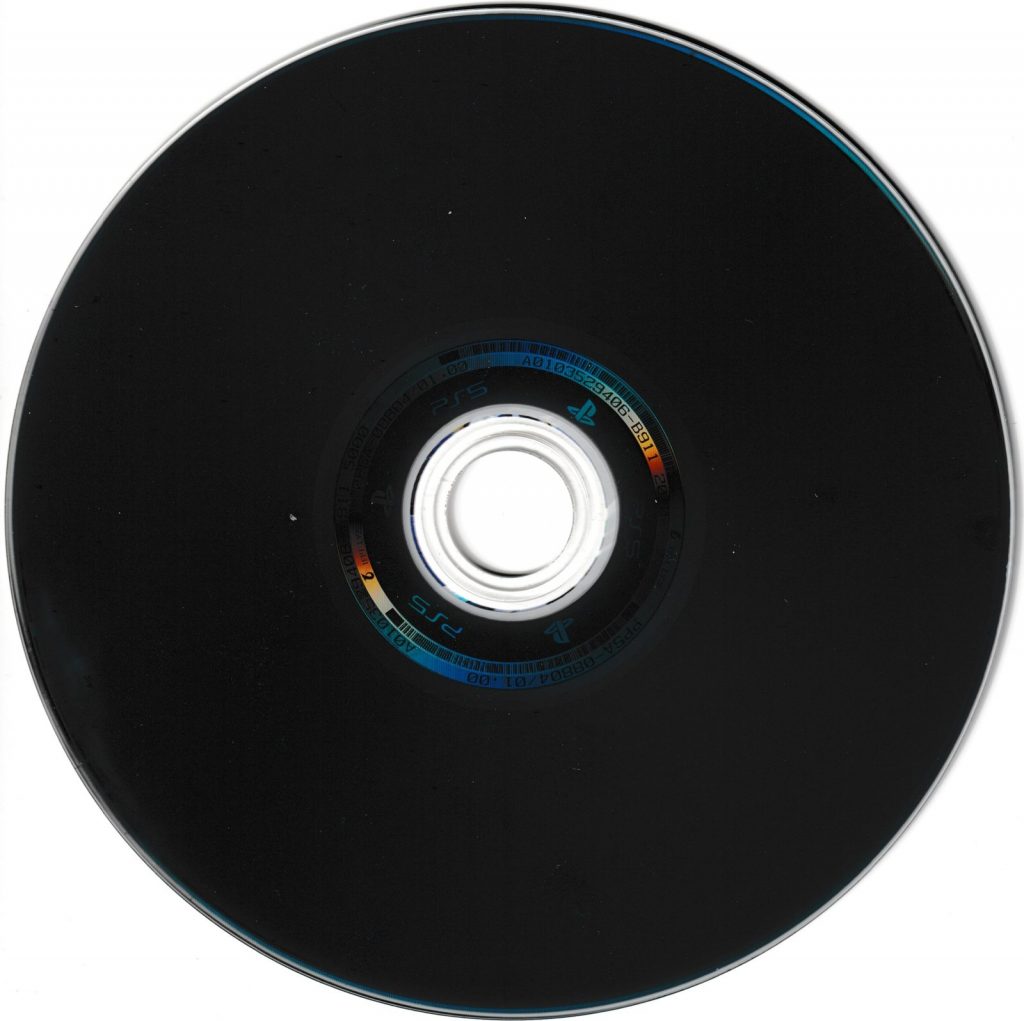
- PS5 game discs.
- Supported PS4 game discs. Most PS4 games run on PS5; our PS5 backward compatibility guide explains the exceptions.
- 4K Ultra HD Blu-ray, Blu-ray and DVD movies and shows.
It does not play PS1, PS2 or PS3 game discs; no PS5 model does. Those older games are only available on PS5 through digital releases and the PS Plus Classics catalog.
Discs and digital libraries
On PS5, inserting a game disc installs the game to internal storage, and the disc then acts as a license check; it needs to be in the drive to play. Digital and disc versions of the same game are separate purchases, so a digital copy does not unlock a disc, and vice versa. That also affects upgrades: some PS4 discs can be upgraded to PS5 versions only when the console has a drive, because the disc proves ownership.
Sony’s 2028 change for new games
Anyone deciding whether to buy a disc drive should know about a change Sony now lists on its own store page for the drive: “From Jan 2028, newly released games on PlayStation will be available for purchase on PlayStation Store.” The same listing states that “discs for games released before Jan 2028 can continue to be played on this console.”
In other words, according to Sony, new PlayStation releases from January 2028 onward are set to be sold digitally, while existing disc games keep working. For a drive purchase, that means its value lies mainly in the library of discs that already exist or are released before that date, plus film and TV on 4K Blu-ray, Blu-ray and DVD. Sony’s plans could be refined before 2028, so check official announcements for the latest details.
Disc or digital: the trade-offs at a glance
| With disc drive | Digital only | |
|---|---|---|
| Play existing PS5 and supported PS4 discs | Yes | No |
| Watch 4K Blu-ray, Blu-ray and DVD | Yes | No (streaming apps only) |
| Lend, trade or resell physical games | Yes | No |
| Swap games without changing discs | No; the disc must be inserted | Yes |
| Buy from PlayStation Store | Yes | Yes |
| Extra hardware to store and keep paired | Yes | No |
Neither approach changes how games perform once installed. Disc games are installed to the same internal storage as digital ones, so load times and graphics are identical. The real differences are about ownership and convenience: physical copies can be resold or shared in person, while digital copies are tied to your account but never need a disc swap. Many players end up with a mix, buying long-term favorites physically and impulse buys or sale titles digitally.
Who needs a disc drive?
You probably want one if
- You already own a collection of PS4 or PS5 game discs.
- You watch 4K Blu-rays or other physical media and want the console to double as a player.
- You like buying, lending, trading or reselling games on disc released before Sony’s 2028 cutoff.
- You have PS4 discs you plan to upgrade to PS5 versions.
You can probably skip it if
- Your library is already fully digital.
- You mainly play subscription catalog games through PS Plus.
- You have no physical games or movies and no plans to buy them.
Because the drive can be added later on supported models, there is little downside to waiting. If you change your mind, you can buy the drive later without replacing the console, as long as you own a compatible model. PS5 Pro owners in particular should note that their console never includes a drive; see our PS5 Pro guide for what else is and isn’t in the box.
Common questions and mistakes
Can I use my slim PS5’s drive on a PS5 Pro?
Both belong to the compatible model groups, so the same drive design fits both. Remember that the target console needs to be online to pair it.
Can I add a drive to an original Digital Edition?
No. The original launch-era Digital Edition has no way to attach the detachable drive. This is the most common compatibility mistake, so check your model number before buying.
Does removing the drive from a disc model change anything else?
No. The console works as a digital-only machine until you reattach the drive. Digital games and saves are unaffected.
Will disc games install faster than downloads?
Often, but games frequently need a day-one patch downloaded after installation, so an internet connection still matters.
Does the drive need its own power cable or remote?
No. The drive clips directly onto the console and draws power through that connection. Disc playback, including movies, is controlled with the DualSense or a compatible media remote, just as on a model with a built-in drive.